
Manual
One page at a time. Generate a script, read it, fix it, then move on. Nothing advances until you say so.
OmniFrame Studio writes the script, generates the SEO, narrates it, builds the captions, finds the footage, makes the thumbnail and renders a 1080p MP4. Run it one stage at a time, or hand it a list of videos and walk away.
Every stage writes a durable checkpoint, so a run that fails halfway resumes from where it stopped instead of starting over.
A tagged, section-by-section draft from your topic — or paste your own.
Titles, description, hashtags and tags, ready to paste.
Narrates each section, then masters and normalises the audio.
Word-timed subtitles, reusing the voiceover transcript for free.
Matches your own clips, then fills gaps from free stock video.
Contextual imagery, checked against the coin before it is used.
Generated from a template you control, in your script's language.
A 1080p 30fps MP4, published with its subtitles and thumbnail.
All three run the same code paths, so a video made by hand and a video made overnight come out the same way.
One page at a time. Generate a script, read it, fix it, then move on. Nothing advances until you say so.
Every stage for one project, unattended. It checks readiness first and tells you exactly what is missing before it spends anything.
Auto-Pilot across many projects in order. If one video fails the rest keep going, and you can retry just the failures when you get back.
You can open any stage on its own, change one thing, and re-run just that part.
Generates a script in tagged [section] blocks you
can edit one section at a time, or import your own. SEO reads
the script — or any transcript you paste — and returns titles, a
description, hashtags and tags.
Narrates every section, then masters the result: studio bass boost, smooth volume compression and YouTube loudness normalisation. Save your own voices by name, and retry only the sections that failed.
Builds word-timed subtitles and can reuse the voiceover transcript so you never pay to transcribe audio you just generated. Burn them in, or keep them as a separate subtitle file.
Matches your own clips section by section, fills the gaps from free stock video, and can add contextual imagery with the background removed. Section title cards are optional and fully positioned.
Five built-in templates plus your own, with an editable prompt and tokens the app fills in for you. Follows the script's language automatically, and makes up to three options per run.
Helpers that work on your files without a project open. Rename a folder of clips into the names the matcher reads best, and see exactly what the app is holding on your drive before you clear it.
These are the actual previews the app ships with. Pick a category to narrow them down — the same filter you get in the app.
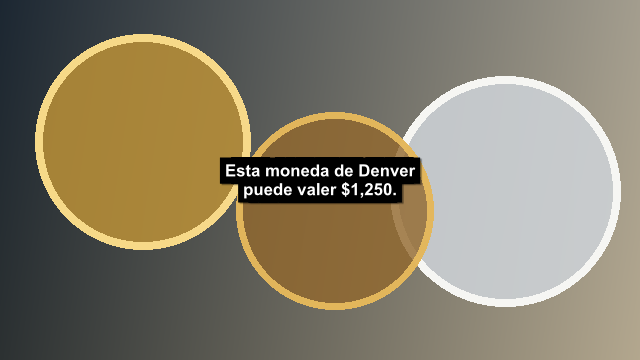
Large white text with a dark panel and generous YouTube-safe spacing.
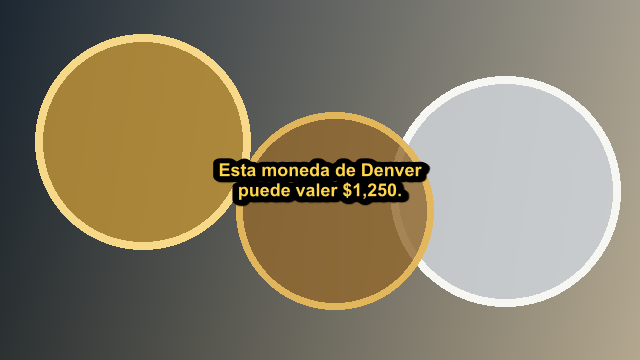
Bright yellow text and a heavy outline for maximum contrast.
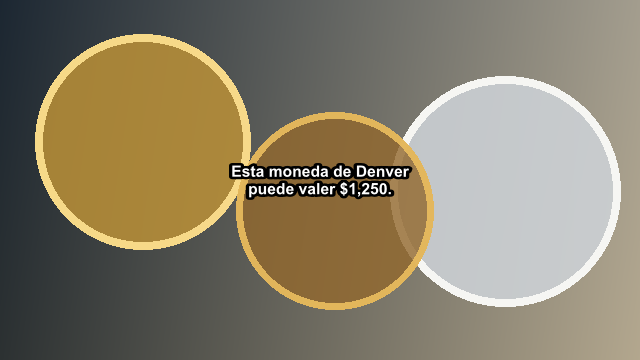
Simple bold white captions without a background panel.
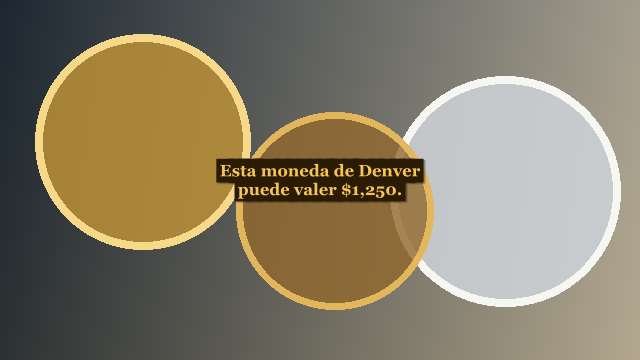
Warm gold serif text designed for premium coin stories.
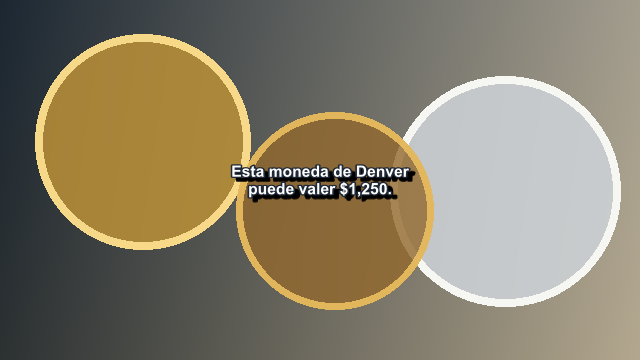
Clean white text with a softer outline and natural shadow.
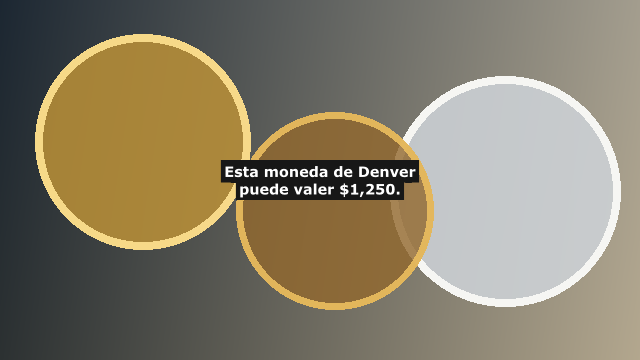
Traditional white captions on a compact charcoal panel.
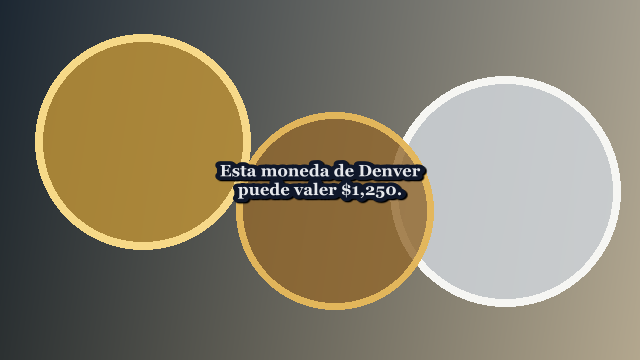
Silver-white serif captions with a crisp navy outline.
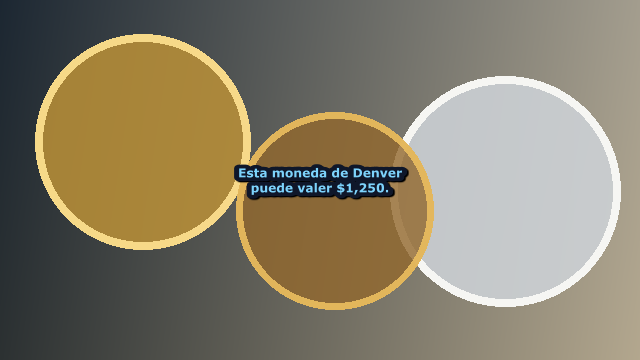
Smaller pale blue text with a clean navy outline for coin facts and grades.
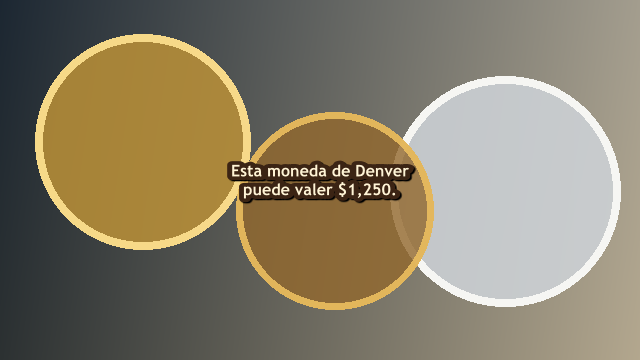
Comfortable cream text with a warm brown outline.
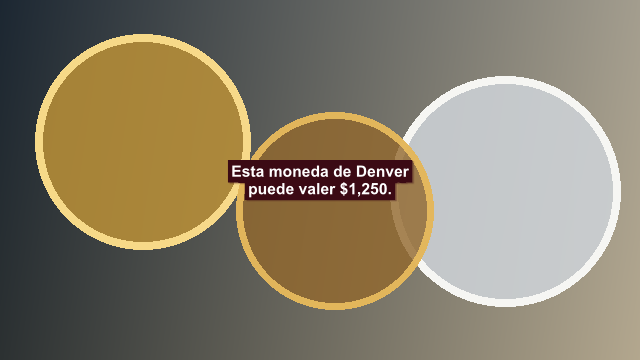
White captions on a muted burgundy panel for premium presentations.
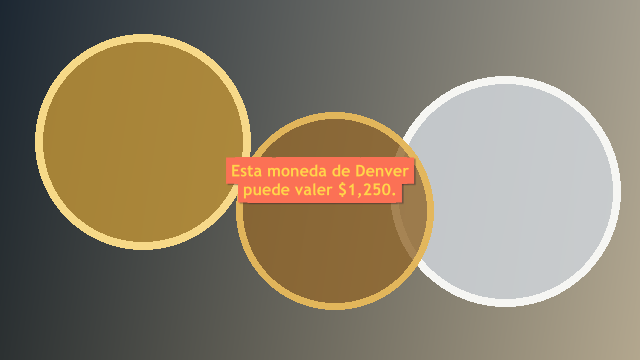
Warm gold text with a coral edge over a deep plum panel.
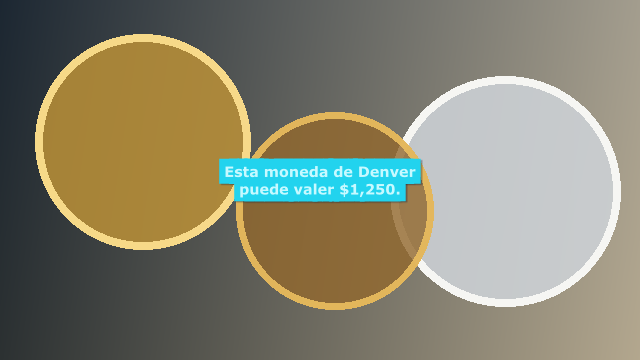
Cool mint text with a cyan edge over a midnight-blue panel.
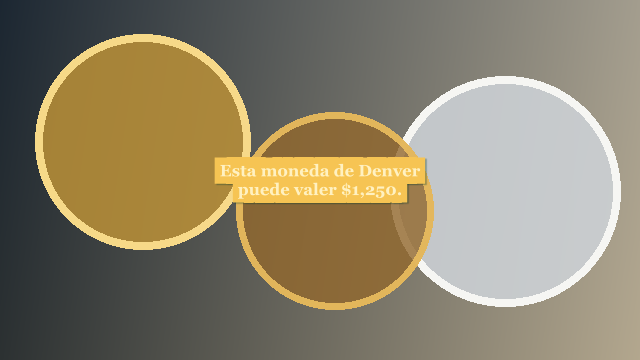
Ivory text with a champagne edge over a rich emerald panel.
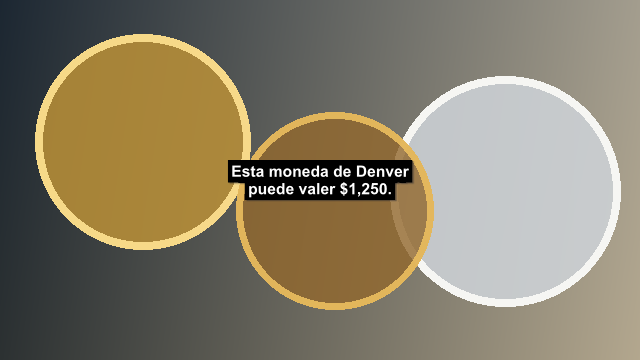
A top banner for videos whose lower area contains coin details or overlays.
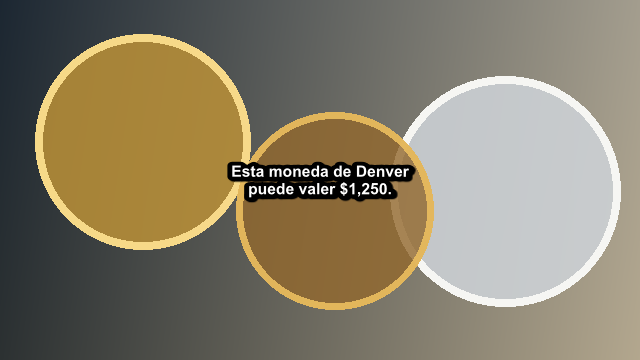
Clean outlined captions above coin details and lower-screen overlays.
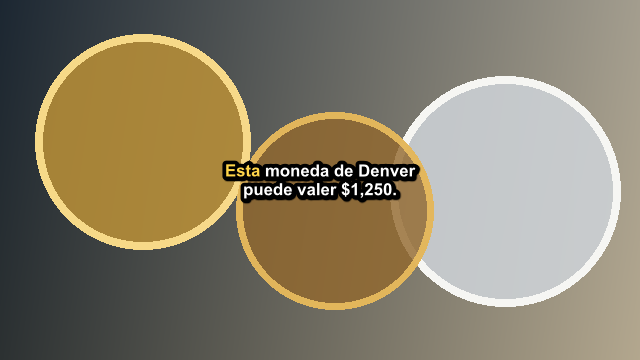
Clean white captions with the spoken word highlighted in coin gold.
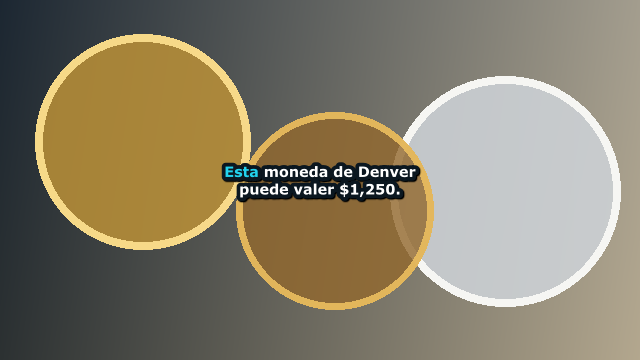
Bold white captions with a bright cyan spoken-word accent.
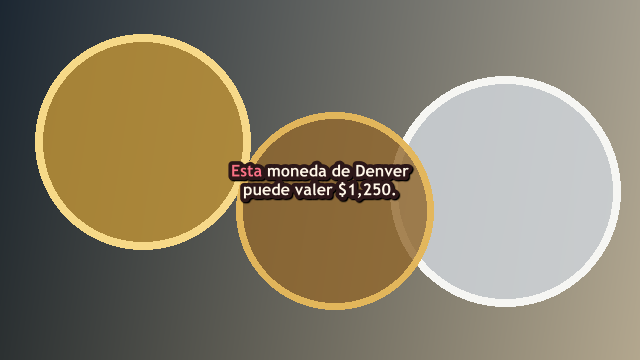
Warm cream captions with a restrained coral spoken-word accent.
Choose a transition below to play it. In the app you can also set its length, reuse it at every clip repeat, or have it rotate so the same cut never lands twice.
Playing Crossfade (Smooth)
Most of this app is general-purpose video production. The part that is not is the part that matters: OmniFrame understands coin identity, and refuses to guess about it.
1940_Penny.MOV line up with the sections that talk
about them, and the Toolbox renamer will put a whole folder
into that shape for you.
1940_Penny.MOV
1943_Steel_Penny_02.MOV
1955_Doubled_Die_Penny.MOV
2016_Quarter_America_Beautiful_
    Cumberland_Gap_01.MOV
1921_Morgan_Dollar.MOV
The matcher reads .mov, .mp4 and
.avi. The Toolbox also finds clips whose extension
is missing or wrong by checking what the file actually is.
Provider keys are saved to Windows Credential Manager and never shown again after you enter them. You bring your own accounts — nothing is proxied through us.
OmniFrame inventories the folders you point it at, but never changes the files inside them. Service checks are read-only too, and never start a generation or spend credits.
The update manifest carries an Ed25519 signature the app verifies before reading it, and the downloaded installer must match its SHA-256 or it is deleted.
Every stage writes a durable checkpoint. If a long batch stops overnight, it picks up where it left off rather than starting — and paying — again.
Interactive controls carry accessibility names, and a reduced-motion setting is honoured throughout. The Large Readable 50+ caption template exists for a reason.
The Free up space tool lists caches, temporary files, old logs and downloaded installers. Anything that touches your own work is left unticked and flagged before you delete it.
Voiceover has a free option built in, so you can make something before you spend anything. The Services page shows what is connected, what it is used for, and what credit you have left.
Text-to-speech
Free, no key required. The default way to narrate a script.
Script and SEO · Caption transcription · Image prompting
Your key, your account.
Script and SEO · Image prompting
An alternative script provider, with custom models.
Thumbnail generation · Contextual images
Several image models, ratios and resolutions.
Image generation · Text-to-speech · Speech-to-text
One key covering three stages.
Free stock footage
Used to fill gaps your own clips do not cover.
The build is not code-signed yet, so Windows SmartScreen will show a warning the first time you run it. That is expected. The download page publishes the SHA-256 of every release so you can check the file you received is the file that was published.
How to verify the downloadVersion 2.0.3 for Windows · 171 MB